01
Requests from sales@ stop getting lost
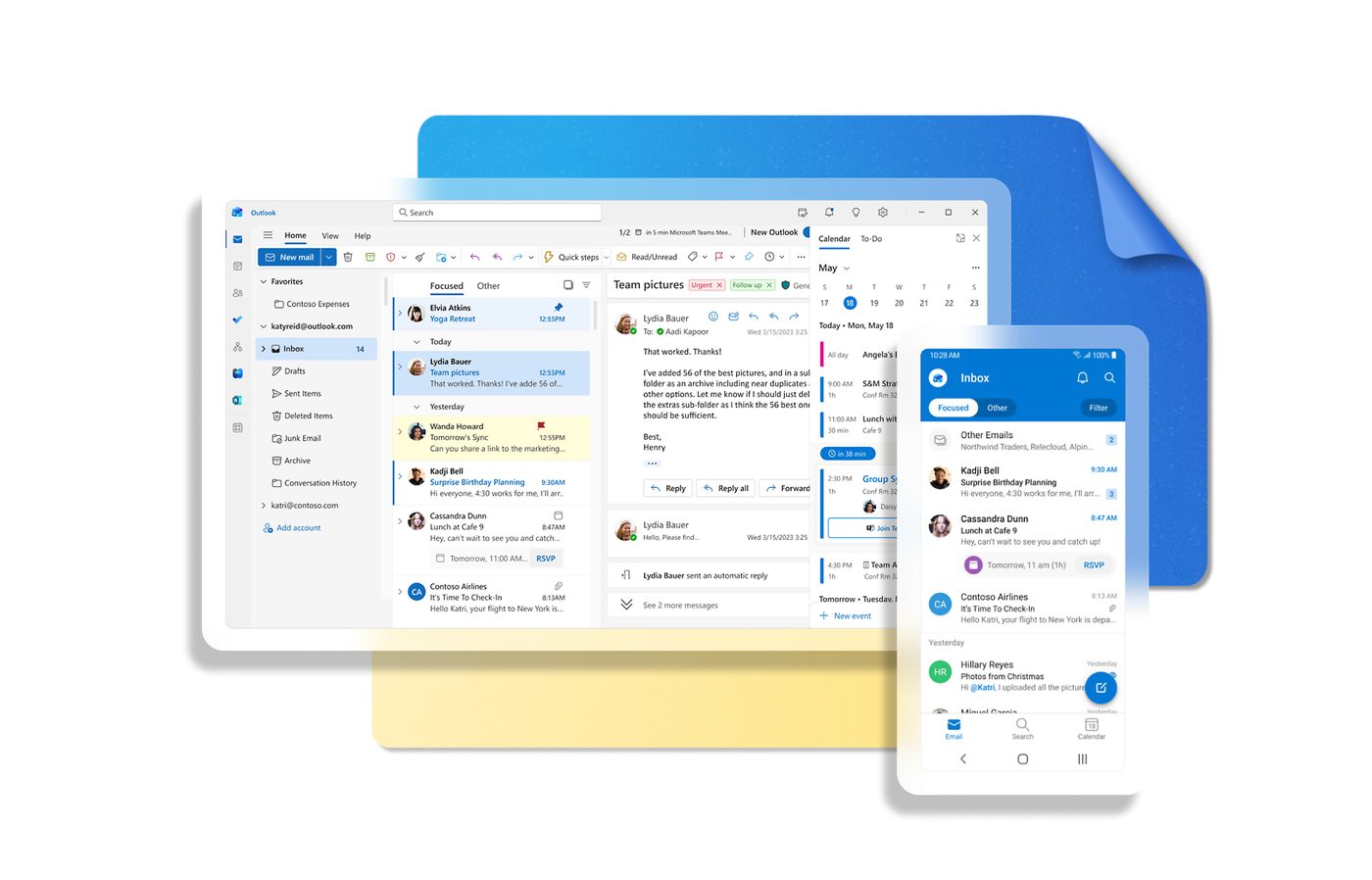
Before the website form writes to a shared Outlook mailbox; three people read it, each thinks a colleague took the letter, and the request waits for days.
After every letter from the form becomes a lead in the CRM with the sender's name, address and the text of the request, gets an owner by the CRM's rules, and the letter in Outlook is moved to the 'in CRM' folder.
02
The whole conversation lives in the deal card
Before the client replies to a manager's letter; the reply stays in that manager's Outlook, and the deal card in the CRM says nothing about it.
After a letter from a known address is attached to the deal of that contact, and the manager answers straight from the CRM — the letter goes out from his own Outlook address in the same conversation, so the client sees an ordinary reply.
03
A meeting booked in the CRM is in everyone's Outlook calendar
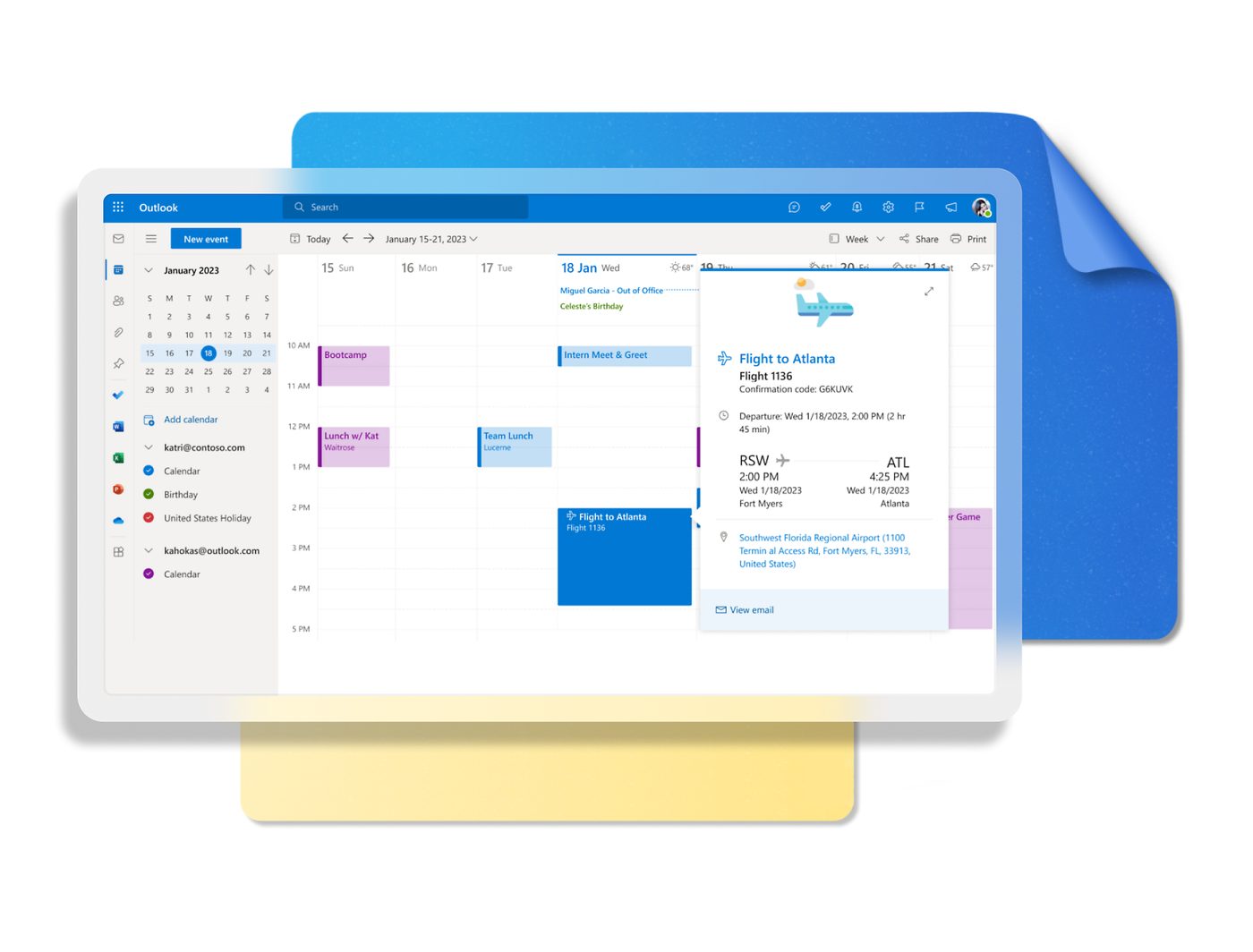
Before the manager agrees a demo in the CRM, then creates the meeting in Outlook by hand, forgets to invite the engineer, and the client gets no invitation.
After the meeting created in the deal appears in the Outlook calendar of the manager, the engineer and the client with the link to the Teams call; if the date is moved in Outlook, the deal shows the new date.
04
An AI assistant prepares the reply, the manager sends it
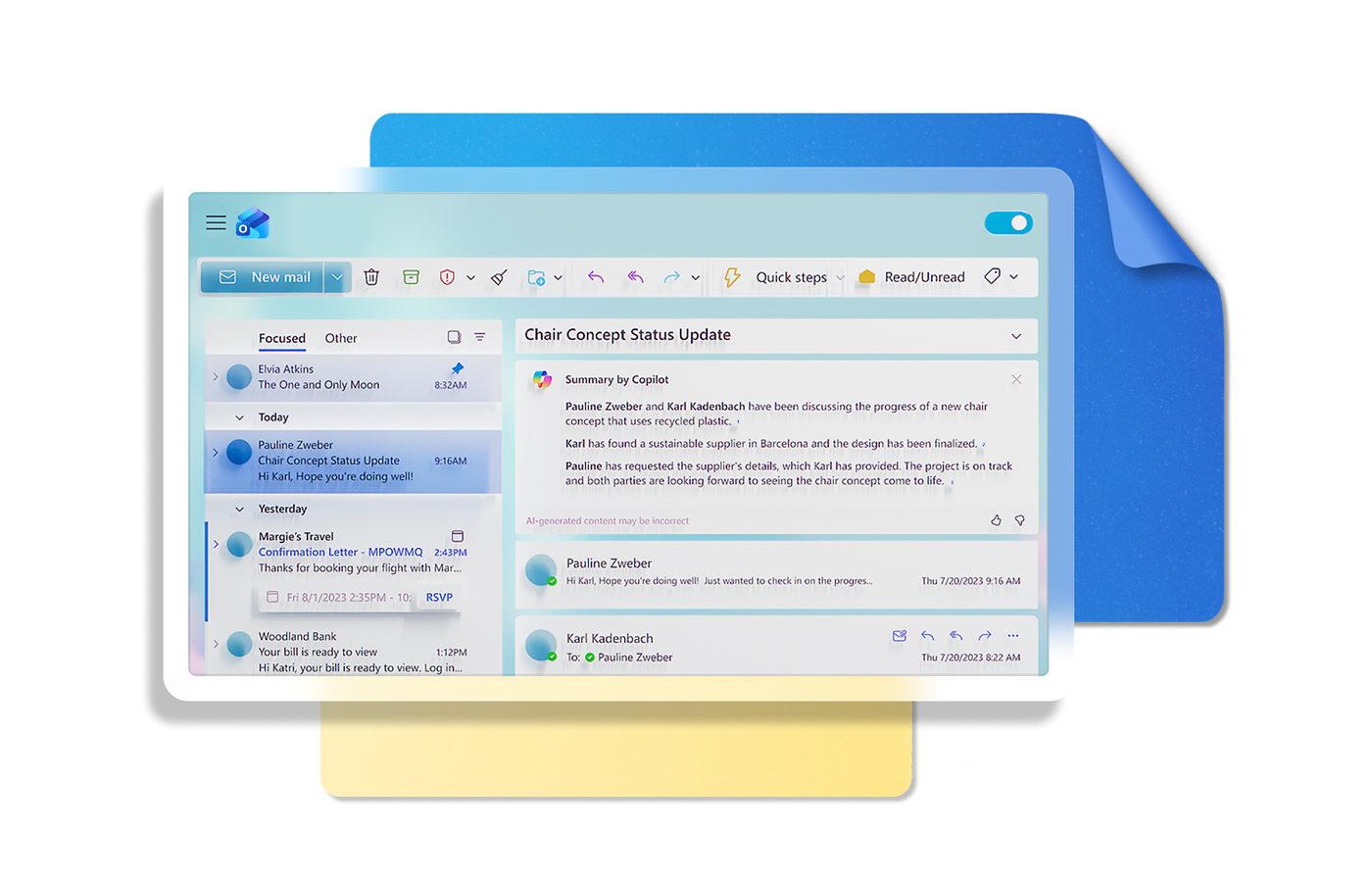
Before a manager spends the morning answering the same questions about delivery, terms and documents.
After the assistant reads the incoming letter, pulls the deal data from the CRM and saves a reply as a draft in the manager's Outlook; the manager reads it, edits what he wants and presses Send. Nothing leaves the mailbox without a person.