CoreviaFlowCOREVIAFLOWDIGITAL PROJECT COMPANY Leave a request
EN UA RU
IP telephonyUA

Binotel integration & automation

IP telephony with ready-made CRM links and one-click calling

Binotel is the telephony behind the call: it dials the number, records the conversation, shows where the call came from, and where a ready-made link exists, drops the result straight into the CRM card. We connect it to whatever your team already uses, and where there's no ready-made link, we build one ourselves by arrangement with Binotel's support team.

What we connect

  • One-click calling right from the CRM card — no need to switch to a phone.
  • Auto-created client card — the first call from a new number creates the card in the CRM on its own.
  • Ready-made call stats and recording links for AmoCRM, Bitrix24, Creatio, 1C, OneBox, Pipedrive, «Мій Склад» and SalesForce.
  • GetCall Online widget — a visitor leaves their number on the site, and the system connects them with an available manager in about 30 seconds.
  • Call tracking — shows which advertising channel or source the call came from.
  • Custom link where there's no ready-made module — we request access from Binotel's support team for the specific task and build the connection ourselves.
  • Call recording — included in every plan, from the entry-level to the top tier.

Automation scenarios

01

A new client calls for the first time

Before the manager stops to open the CRM and create a card before even picking up.

After Binotel creates the client card automatically on the first call from an unknown number, and where a ready-made CRM link exists, the call history lands right in it.

02

A visitor leaves a number on the site instead of calling

Before the lead waits for a manager to notice the request and call back, sometimes hours later.

After the GetCall Online widget connects the visitor with an available manager in about 30 seconds.

03

An ad campaign drives a call

Before nobody can say for sure which channel actually generated the call.

After call tracking shows the exact advertising source, so ad spend gets judged on real calls, not guesses.

04

The CRM isn't on Binotel's ready-made list

Before telephony and CRM stay disconnected because there's no plug-and-play module.

After for the specific task we get individual access from Binotel's support team and wire the calls into the CRM ourselves.

How it works technically

For those who want to check: each point links to the official documentation page it comes from.

  • Binotel provides a REST API, a Webhook API and a WebSocket API for connecting telephony to a CRM; the full documentation is issued by technical support on request, not published openly.

    Source: www.binotel.ua ↗ checked 2026-09-25
  • The number dials with a single click straight from the client's card in the CRM.

    Source: www.binotel.ua ↗ checked 2026-09-25
  • On an incoming call from a new client, the client's card in the CRM is created automatically.

    Source: www.binotel.ua ↗ checked 2026-09-25
  • Call statistics and recorded conversations are already available inside AmoCRM, Bitrix24, Terrasoft bpm'online (Creatio), 1C, OneBox, Pipedrive, «Мій Склад» and SalesForce.

    Source: www.binotel.ua ↗ checked 2026-09-25
  • The GetCall Online callback widget connects a client who left their number on the site with an available manager in about 30 seconds.

    Source: www.binotel.ua ↗ checked 2026-09-25
  • Audio recording of every call is included in all plans — from Lite to Enterprise.

    Source: www.binotel.ua ↗ checked 2026-09-25

Limits

A ready-made telephony-to-CRM link is available starting from the Pro plan; the base Lite plan only has calls, recording and statistics without a CRM link.

Screenshots

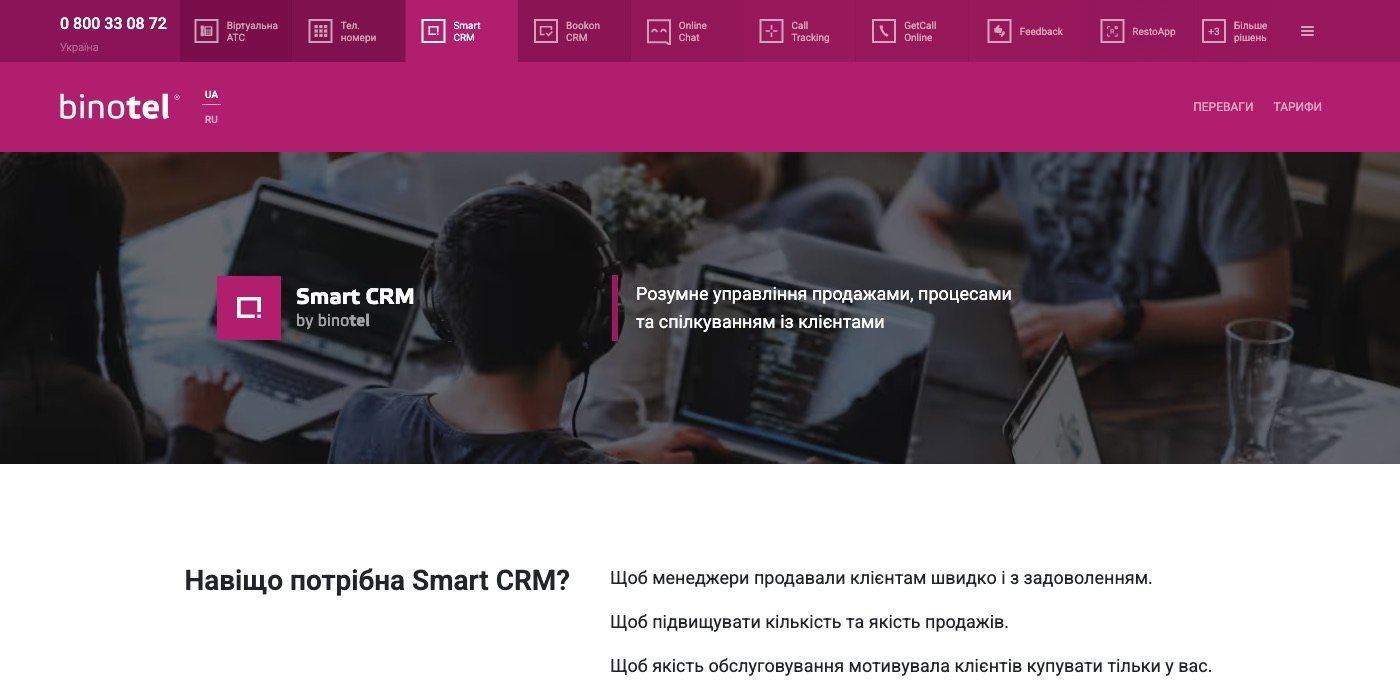
Binotel Smart CRM page with the sales funnel interface
Calls and CRM together Source: www.binotel.ua ↗
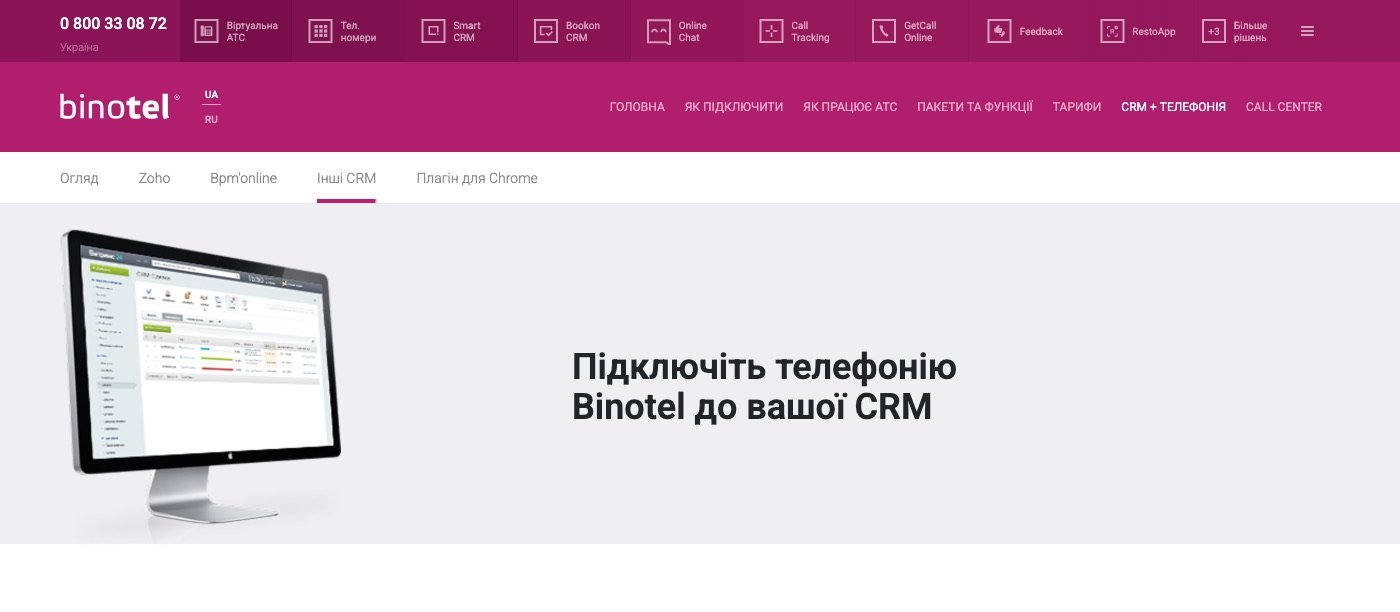
Binotel page about linking telephony with cloud CRM systems
Telephony in your CRM Source: www.binotel.ua ↗

How to start

Three steps from a first message to work on your project.

  1. 01

    Leave a request

    Describe the task in the form — in text or by voice. Budget and timing are optional.

  2. 02

    We review and estimate

    A developer studies the brief, asks about anything unclear and sends an estimate.

  3. 03

    We start

    Once scope and price are agreed, the work begins.

or write to info@coreviaflow.space

Questions

Is Binotel's technical documentation open to everyone?
No. Binotel doesn't publish its full technical documentation openly — it's issued by technical support on request, for a specific task. We request it at the start of the integration.
Does the ready-made CRM link work on every plan?
No — the telephony-to-CRM link is available starting from the Pro plan; the base Lite plan doesn't include it.
Which CRMs already have this ready-made statistics and recording link?
AmoCRM, Bitrix24, Creatio, 1C, OneBox, Pipedrive, «Мій Склад» and SalesForce. For anything else, we connect it individually, by arrangement with Binotel.
What exactly does the GetCall Online widget do?
A visitor leaves their number on the site, and the system connects them with an available manager in about 30 seconds — no waiting for a manual callback.

Tell us what needs to be connected

Describe the task in text or a voice message. We look at your setup and reply with a plan.