01
A visitor writes in the site chat
Before the dialog stays in the HelpCrunch inbox, and the manager copies the name and email into the CRM at the end of the day — or forgets.
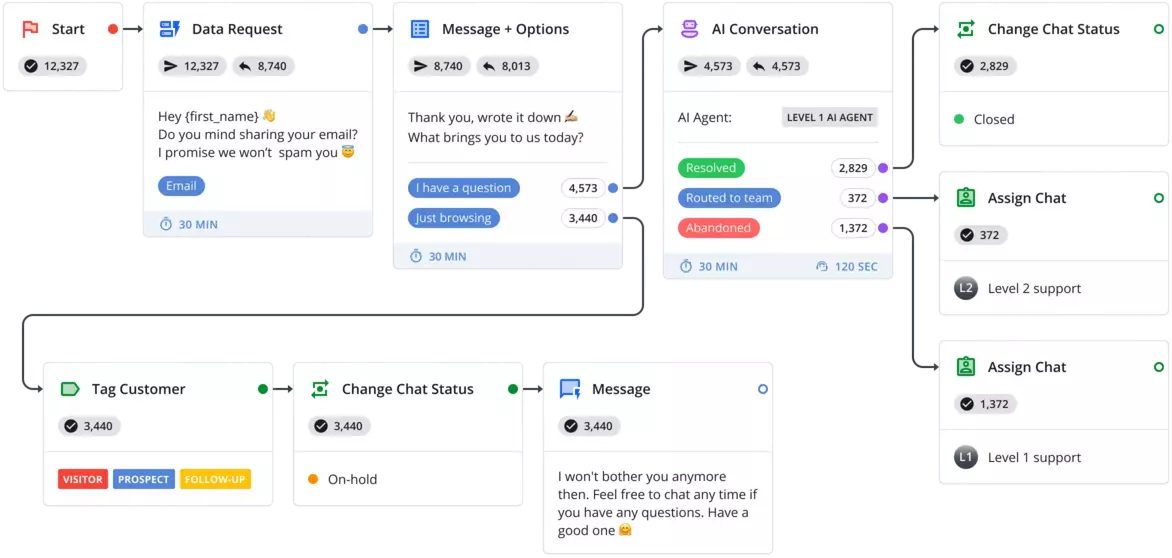
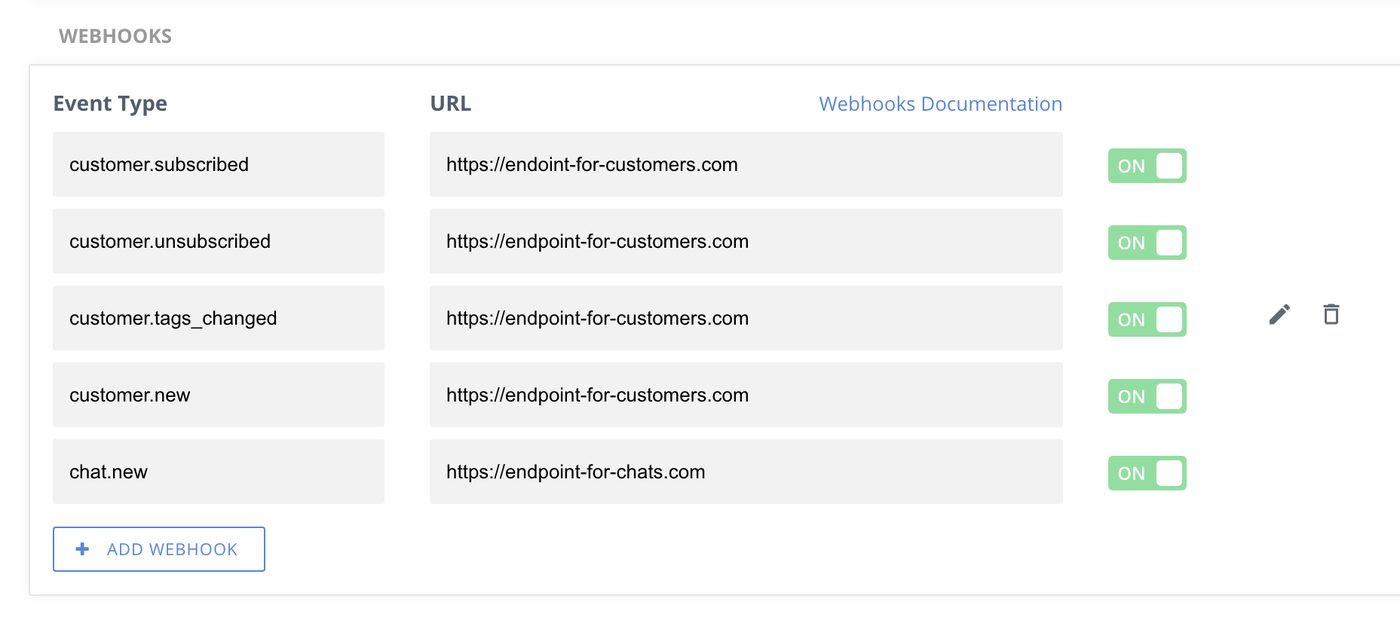
After the contact and the dialog appear in the CRM as soon as the chat starts, with the page the person wrote from and a link to the conversation.
02
A client asks where their order is
Before the agent opens the CRM, searches by name, comes back to the chat and types the status by hand.
After the order status is already in the client's profile as a note, and a typical question gets answered by the AI assistant from your knowledge base; only an unusual case reaches a person.
03
A hot inquiry comes in outside working hours
Before a request for a price or a demo sits in the inbox until morning next to routine questions, and the sales manager finds it last.
After the chat is assigned to the responsible manager, a task with the chat link appears in the CRM, and the team gets a notification in its work chat.
04
The chat is closed and rated
Before the rating and the outcome of the conversation live only in HelpCrunch reports, and the account manager does not know the client was unhappy.
After the closed chat and its rating are written into the client's card in the CRM, so a low rating becomes a task for the responsible person.